

Arrival pages
Replace the laminated welcome card.
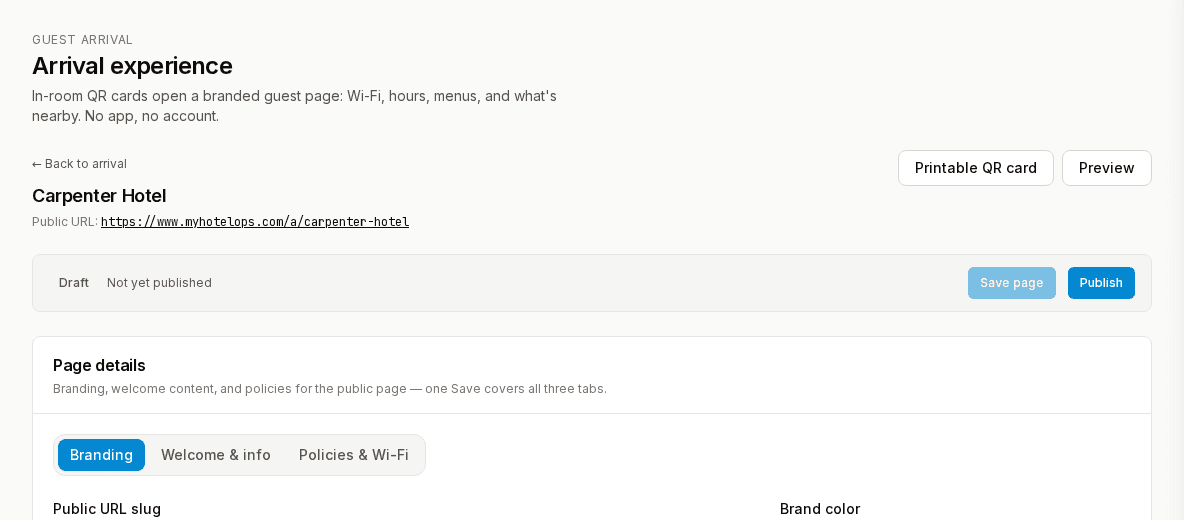
A branded page each guest opens from a QR code: Wi-Fi, hours, menus and local picks.
What's inside.
Wi-Fi and hours
Network names, passwords, and desk and outlet hours.
Menus with photos
Room service and restaurant menus on the guest's phone.
Local picks
Your recommendations for food, drink and things to do.
Your brand
Your colours, type and photography on every page.
Why it matters.
Laminated cards go stale the day you print them. Every outdated menu or wrong Wi-Fi password becomes a call to the desk.
How it works.
1.Build the page
Add sections, upload menus, preview it on a phone.
2.Place the QR code
Guests scan it with their phone camera. No app.
3.Update any time
Publish a change and the next scan shows it.
How GMs use it.
Cut calls to the front desk
Wi-Fi, hours and menus a scan away. No app.
Change it once
Edit from your phone and every room sees it in seconds.
Put the menu in their hand
Room-service menus with photos on the guest's own phone.
Questions
Do guests need an app?
No. The phone camera opens the page from the room's QR code.
Can it match our brand?
Yes. Your colours, type and photography on every page.
More operations tools
One price. One platform. Cancel any time.
Full access for 14 days. No credit card.