

Comp set rates
What your competitors charge, night by night.
Nightly rates for every hotel in your comp set, across the major booking channels.
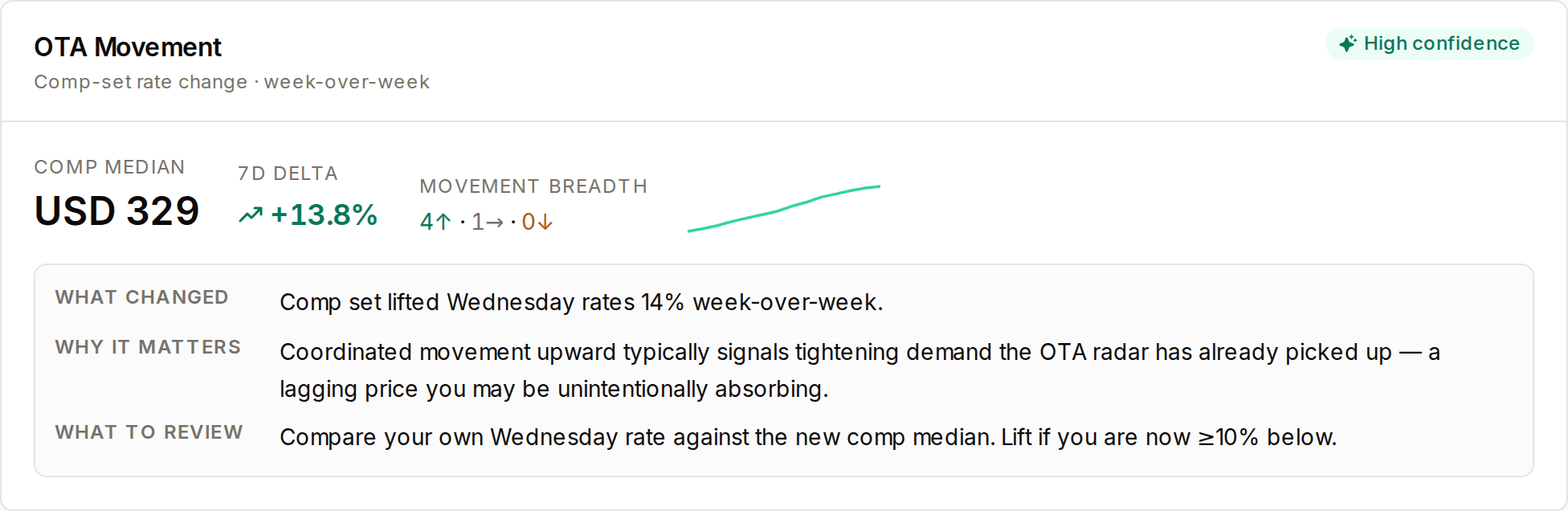
What we flag.
Every competitor, every night
Nightly rates for each hotel in your comp set, for the nights ahead.
Channel by channel
Each competitor's price on the major booking channels, side by side.
Overnight moves
Who raised, who cut, and by how much since the last read.
Your position
Your rate against the comp-set median, night by night.
Why it matters.
Checking competitor rates by hand takes an hour and is stale by lunch. Miss a move and you price against yesterday's market.
How it works.
1.We shop the comp set daily
Public rates for every competitor, refreshed every day.
2.We line them up
By night and by channel, against your own rate.
3.You see what moved
Changes surface in the morning briefing and on the rates screen.
How GMs use it.
See who moved overnight
Rate changes in your comp set, flagged the morning they happen.
Spot the cheapest channel
Compare each competitor's price channel by channel.
Price with the market in view
Your rate against the comp set for the nights ahead.
Questions
Do you read my booking data?
No. Every rate comes from public listings. We never connect to your PMS or change your prices.
Which channels are covered?
The major booking channels where your competitors sell rooms.
How often are rates refreshed?
Daily. Each morning's read reflects the rates published overnight.
One price. One platform. Cancel any time.
Full access for 14 days. No credit card.