

Pricing gaps
Find the nights you're priced below the market.
Flags each night and room type where your rate sits well under the comp-set median.
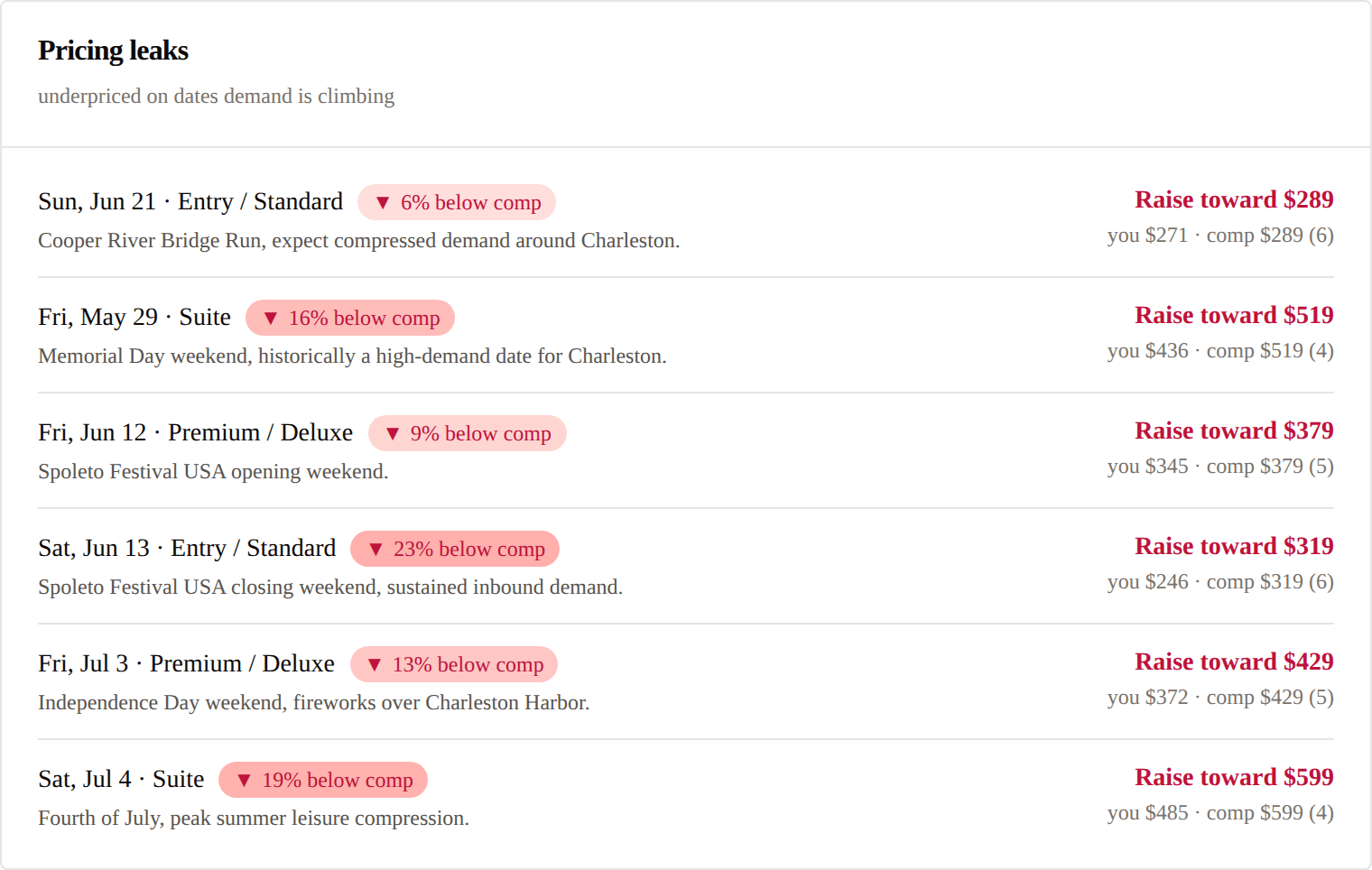
What we flag.
Night by night
Every upcoming night where your rate trails the comp-set median.
Room by room
Standard rooms, suites and other classes, compared like for like.
Only real gaps
Gaps under 8% are noise and stay out of your feed.
The market rate
Each gap names the median, so you know how far to move.
Why it matters.
Underpriced nights never show up as a problem. They show up as rooms sold for less than the market would pay.
Your Saturday, Sep 5 standard rooms are priced about 19% below the comp-set median.
Comp-set median for standard rooms across 4 comparable properties is $172 vs your $139. At this gap, channels steer otherwise-eligible bookings toward comparables.
Next move
Lift your standard rooms for Saturday, Sep 5 toward $172 — closes the gap without overshooting the median.
How it works.
1.We build the median
Your comp set's rate for each night and room class.
2.We compare yours
Your rate against that median, for every night ahead.
3.We flag the gap
Anything 8% or more below, with the market rate beside it.
How GMs use it.
Catch underpriced nights
See the dates where you're cheaper than you need to be.
Decide by room type
Saturday suites and Tuesday standards are separate calls.
Know the market rate
Each gap shows the comp-set median for that night and room class.
Questions
Do you change my rates?
No. We show the gap and the market rate. You decide what to charge.
Which rooms are compared?
Like for like: your rate against the same room class across your comp set.
What's the threshold?
8% below the comp-set median for that night and room class. Smaller gaps are noise.
One price. One platform. Cancel any time.
Full access for 14 days. No credit card.